I designed and built a full iOS app - meal planning, grocery lists, and AI-generated week plans - end to end in SwiftUI.
LOOKING FOR INTERNSHIP


WeekBuy
PERSONAL PROJECT
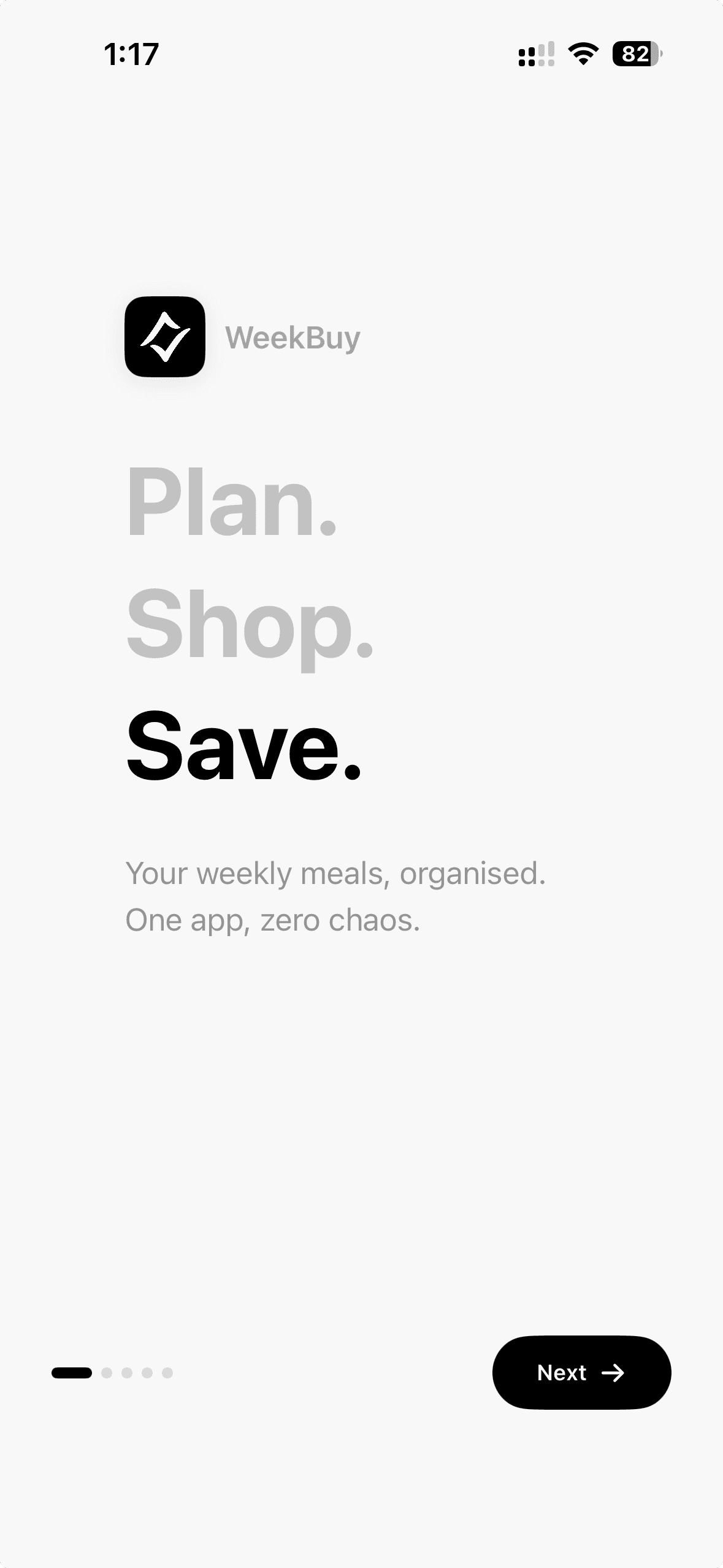
WeekBuy is a personal iOS app built to solve a problem I kept running into: most people either shop without a plan or plan without a system. Recipe apps give you inspiration. Grocery apps give you lists. Nobody was building the thing that connects the two. WeekBuy does that - plan your week, and your grocery list builds itself.
Results of my work
Full iOS app designed in Figma and built in SwiftUI, end to end.
AI week planner and recipe parser powered by Claude Haiku 4.5
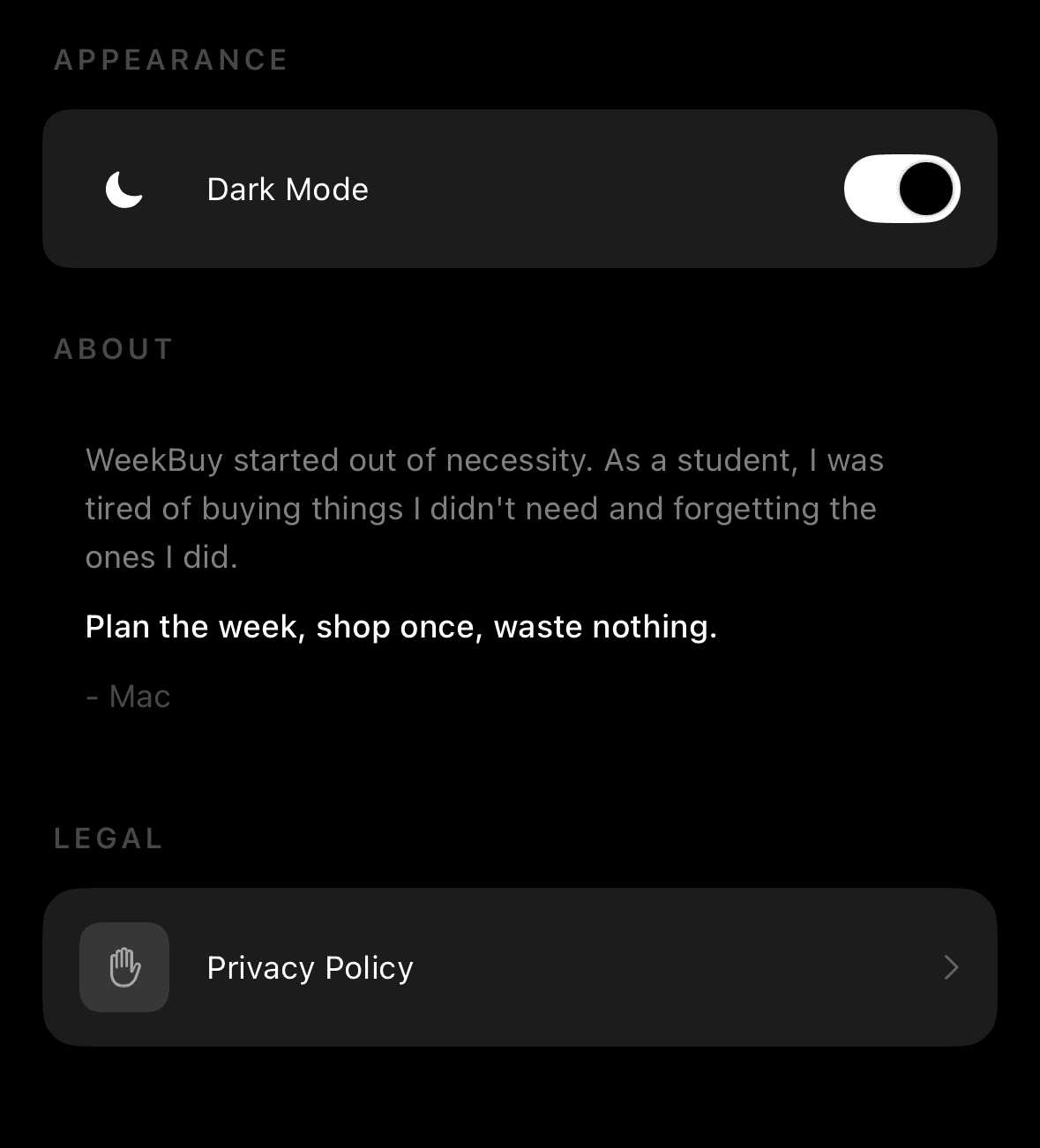
Clear theme system with full light/dark mode, zero per-view logic
The story
As a student living independently I was wasting money at the supermarket. Not on big shops - on the small ones. The daily "I'll just grab something" trips that added up. Half a fridge of things I bought with good intentions, never used, and threw out at the end of the week. And the time - figuring out what to cook every single day, then going to the store for it, then going back because I forgot something.
I didn't need a recipe app. I didn't need a fancier shopping list. I needed a system that connected what I was going to cook with what I actually needed to buy - before I left the house.
So I built one.
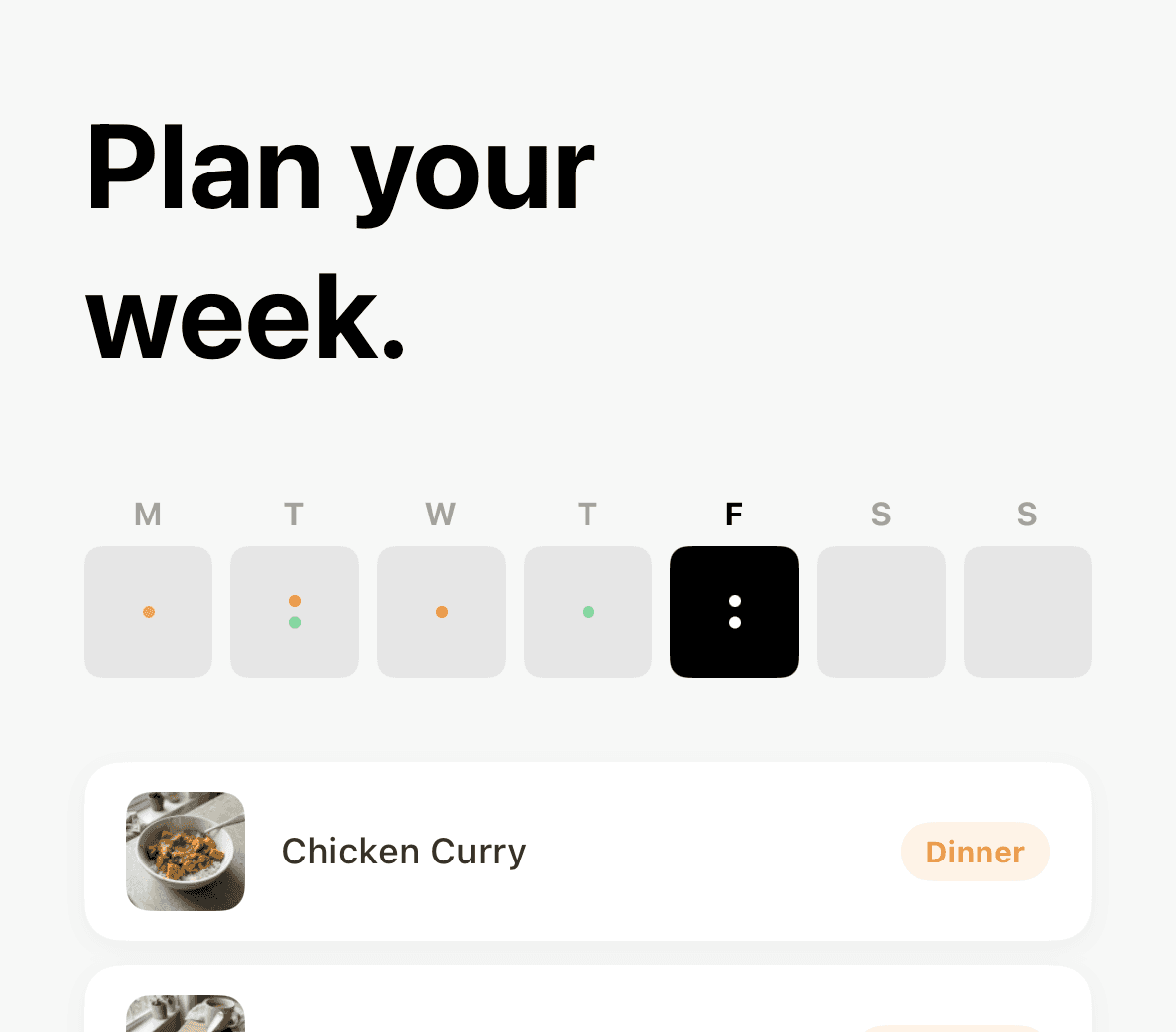
One loop, three screens.
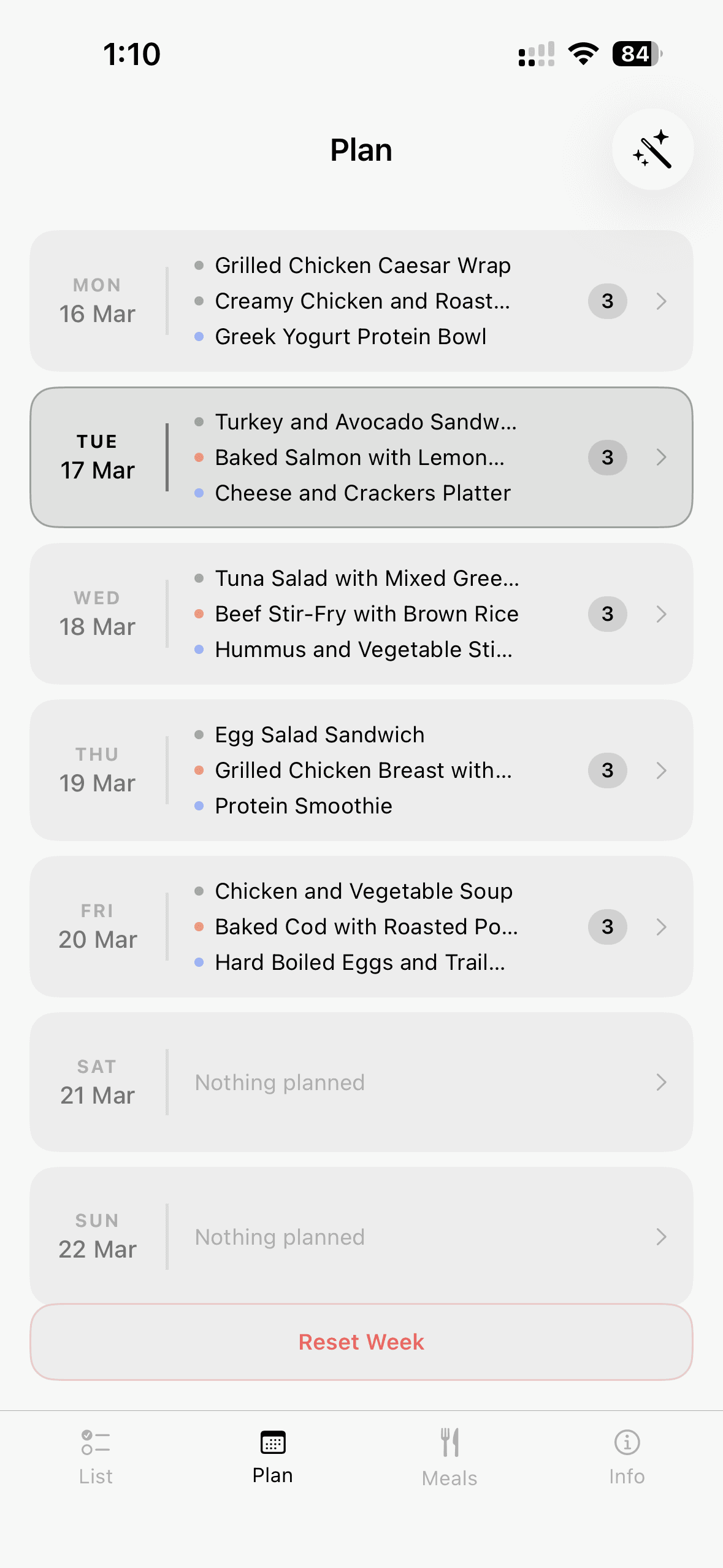
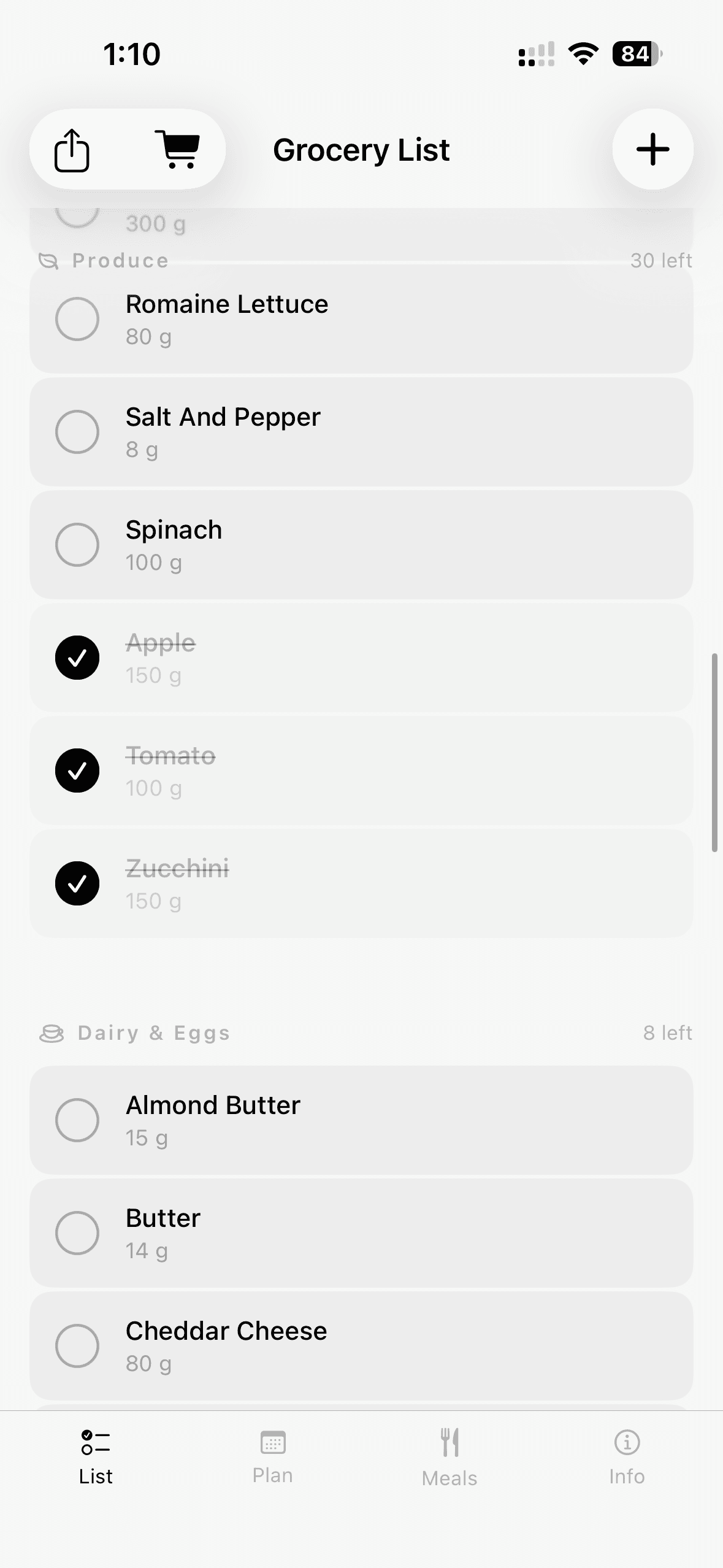
The core experience is simple: add meals to your personal library, assign them to days, and your grocery list builds itself. Everything is categorized automatically and grouped by store category - Produce, Dairy, Pantry - so you move through the shop in one clean loop.
When you're actually in the store, you switch to Shopping Mode. Full screen. Screen stays on. A progress bar filling up as you go. It sounds like a small detail, but it changes the experience completely.
Color that means something
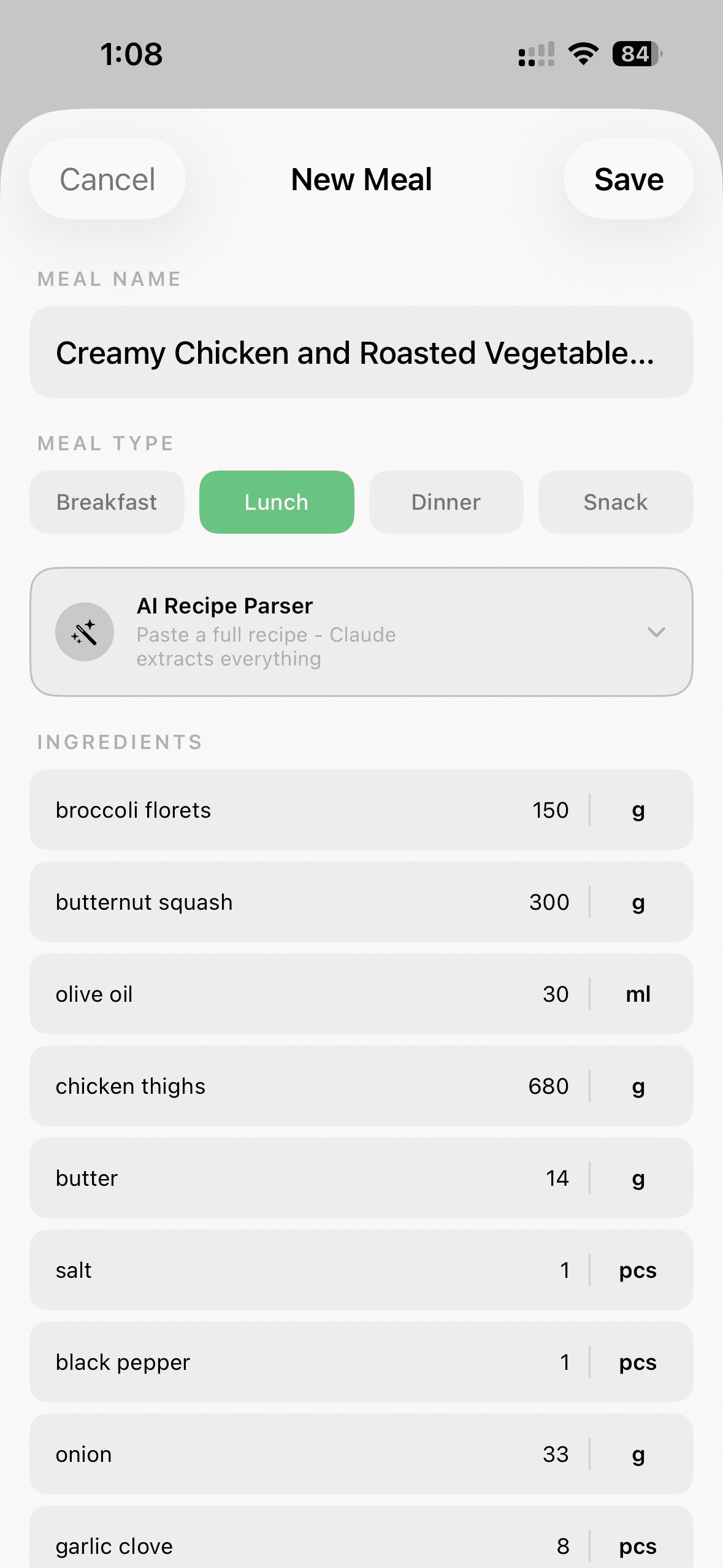
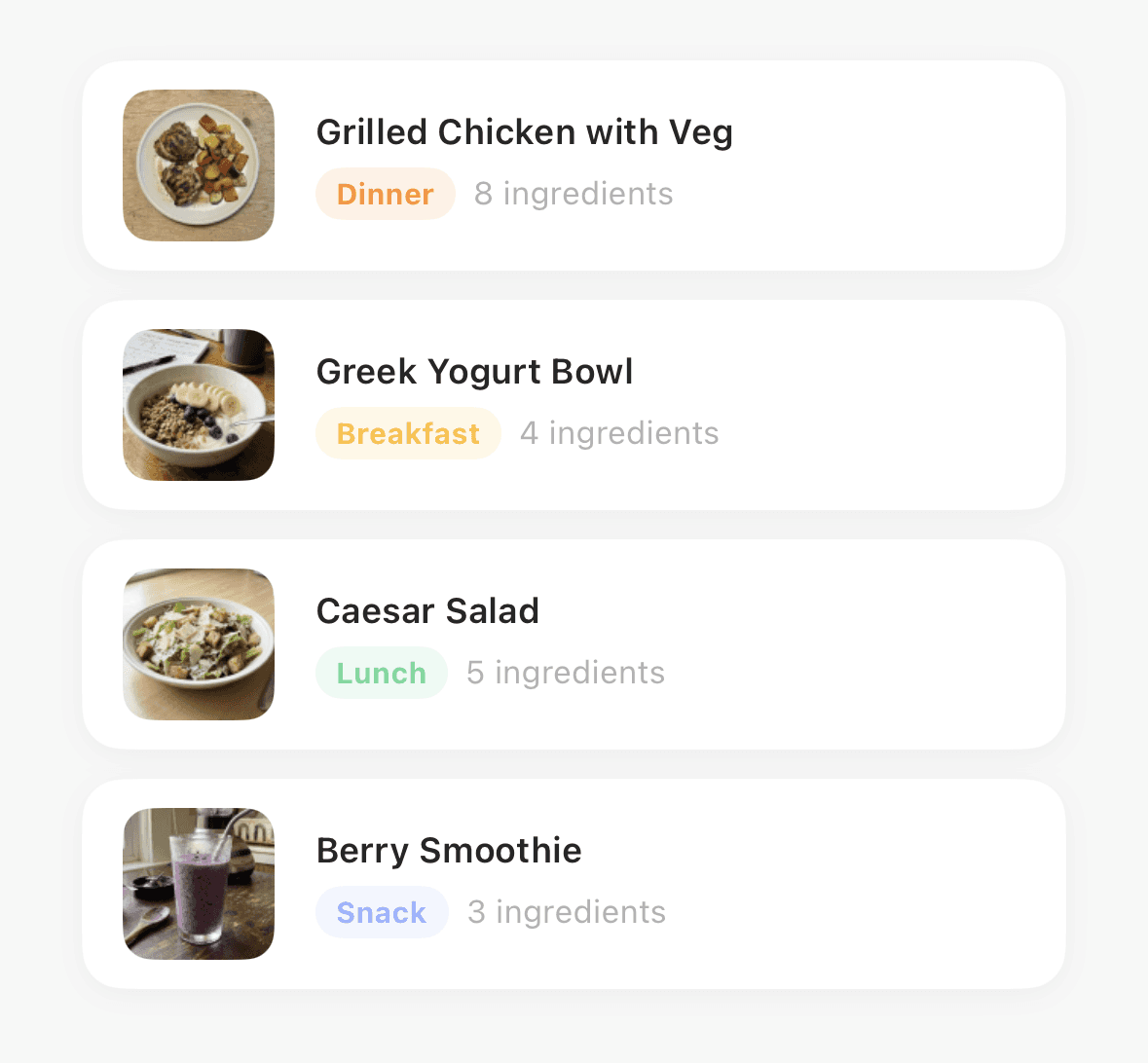
The first design call was to remove colour entirely - except where it carries meaning. Every surface in WeekBuy is black and white. The only colour in the app is the meal type tags: amber for Breakfast, green for Lunch, orange for Dinner, blue for Snack. That system runs consistently across every screen - meal cards, plan view, grocery rows, AI preview, editor chips - all built off a single mealTagColor() function in Theme.swift. Colour as signal, not decoration.
The AI layer
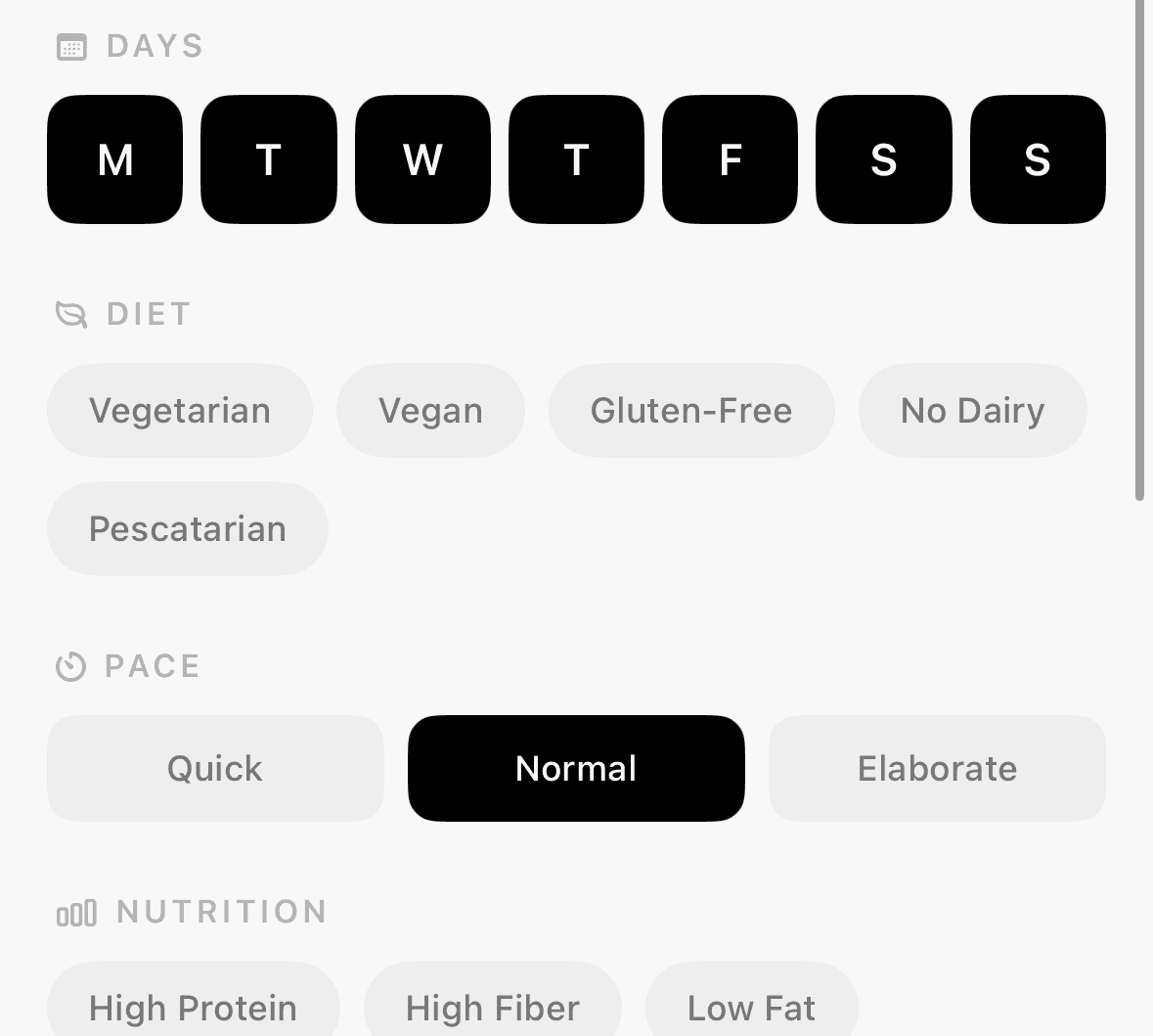
AI Fill My Week takes your constraints - days, diet, budget, cuisine, pace - and generates a full week plan with ingredients, ready to land straight into your week view. Regular mode shows one meal per day. Meal Prep mode thinks differently - it finds 2-3 batch-cookable meals you can repeat across the week, so you cook once and eat four times. The layout changes completely between the two modes because the information structure is different.
AI Recipe Parser does the opposite. Paste any recipe text from anywhere and Claude extracts the name, ingredients, and instructions automatically. No manual entry, no reformatting. Paste and done.
Built to last, not just to ship
SwiftUI and SwiftData. CloudKit for private sync across devices. App Group container shared with a home screen widget. The stack was chosen to minimise maintenance overhead and stay close to the Apple ecosystem where the app lives.
Building WeekBuy taught me something client work doesn't always surface: every decision compounds. A naming inconsistency in your theme system costs you two hours two months later. A flow that felt obvious in Figma breaks the first time a real person uses it. You learn to think in systems, not just screens.
WeekBuy is now in the phase of external beta testing. Coming soon to the App Store.
Copy component
Copied
maciej.dudzik@post.pl